

A QR code for business turns anything printed, a menu, a shop counter, a flyer or a visiting card, into a quick way to reach you online. Customers point their phone camera at it and land on your menu, WhatsApp, catalogue or payment details. This guide covers where QR codes actually help a business, the difference between static and dynamic codes, and how to make one for free.
Where a QR code helps a business
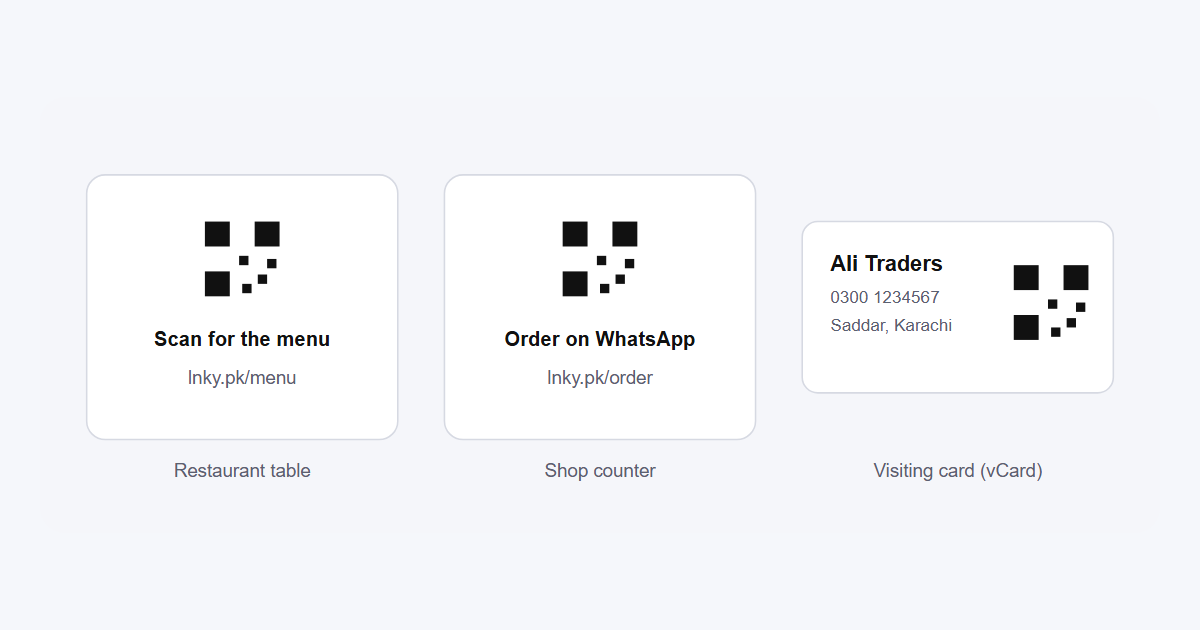
- Restaurants and cafes. A code on each table opens the menu and the order-on-WhatsApp button. Update prices online without reprinting menus.
- Shops and stalls. A code at the counter opens your Instagram, catalogue or Google reviews page.
- Visiting cards. A vCard QR code saves your name, number and email to the customer's phone in one scan.
- Packaging and deliveries. Link to care instructions, a reorder button or a feedback form.
- Flyers, banners and newspaper ads. Send people straight to the offer, and count how many scanned.
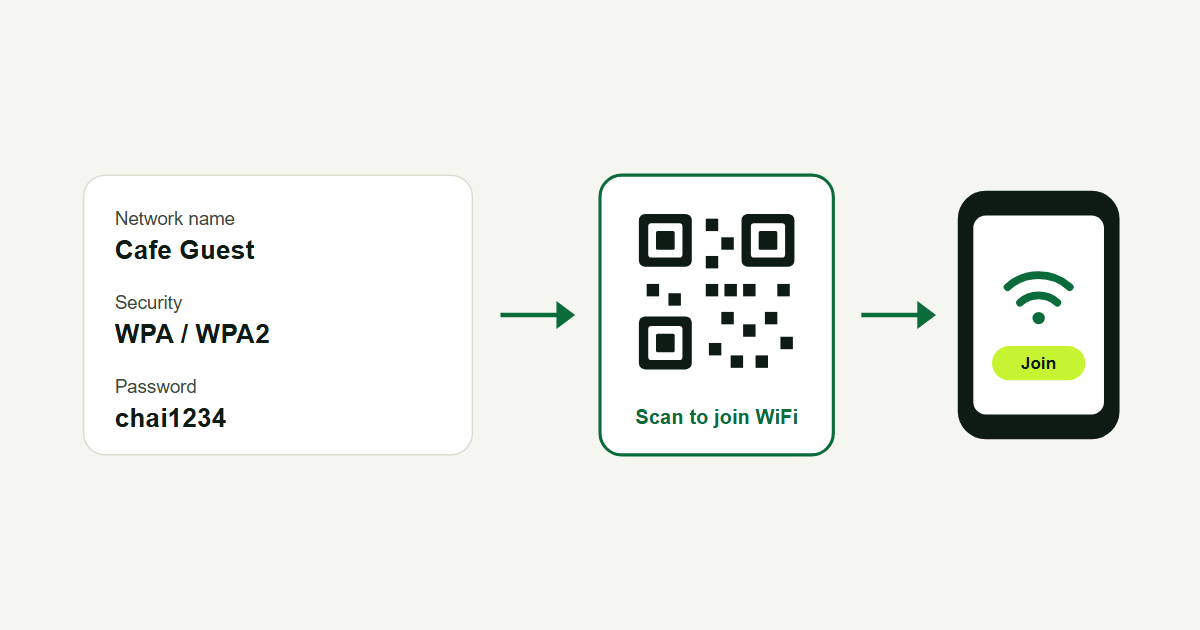
- Clinics, schools and offices. Open the booking form, fee structure, timetable or Wi-Fi details.
Static vs dynamic QR codes
This is the most important choice when you make a QR code for business.
- Static QR code: the web address is stored inside the code itself. It never expires, but you can't change it, and you can't count scans.
- Dynamic QR code: the code holds a short link, and the short link points to your page. You can change the destination later and see how many people scanned, from which city and on which device.
For anything printed in large numbers, use a dynamic code. If your menu moves to a new page, or your offer ends, you update the link and the printed codes keep working.
How to make a QR code for your business with Lnky
- Create a free Lnky account. The free plan includes up to 10 QR codes.
- Open QR Codes and choose the type: Link, vCard, WhatsApp, Wi-Fi, Phone, SMS, Email, Event or Text.
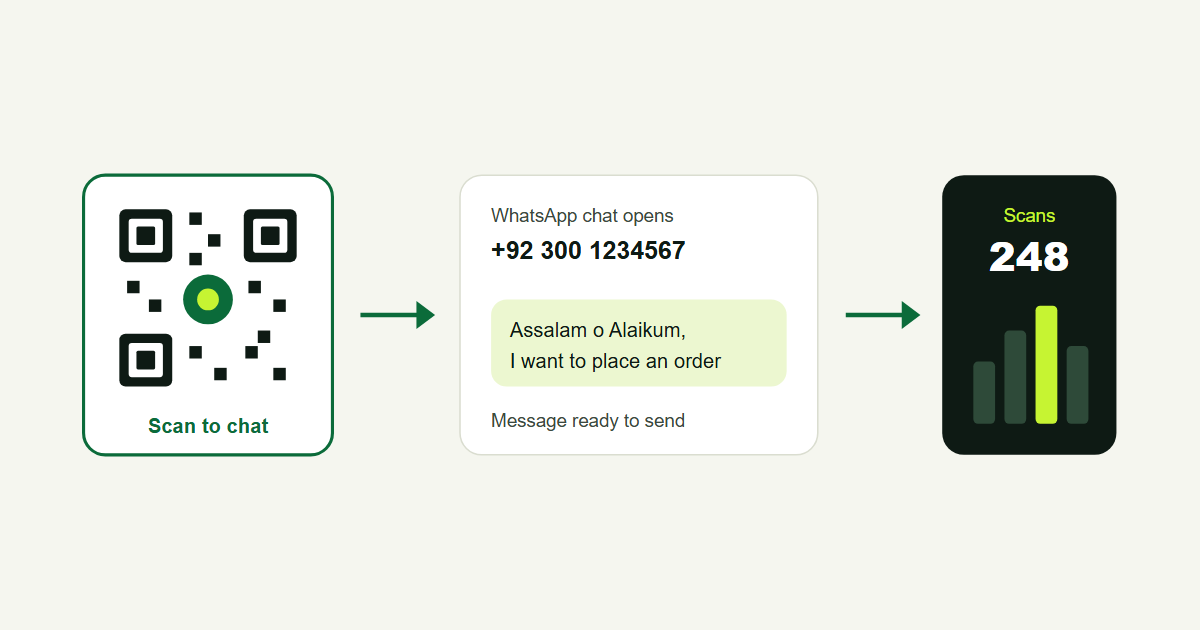
- Enter the details, for example your menu link or your WhatsApp number and a ready-made message.
- Choose colours. Paid plans can also add your logo and a frame with a call to action such as "Scan to order".
- Download it as PNG or SVG and add it to your design.
Just need a quick code for a link? Shorten it on the Lnky homepage and download the QR code that comes with it, or use the QR code generator. For a WhatsApp order code, the WhatsApp link generator makes the link and the QR code together.
Design tips so people actually scan
- Add a reason to scan. "Scan for the menu" or "Scan to order on WhatsApp" works better than a code on its own.
- Size it right. At least 2 cm wide on a visiting card. On a banner, roughly 1 cm of code for every 10 cm of scanning distance.
- Keep contrast high. A dark code on a light background scans best. Avoid light colours on white.
- Leave a quiet border. Keep empty space around the code; text or pictures touching it can stop it scanning.
- Test before you print. Scan it with two or three phones, from the distance people will stand at.
- Print the short link too. lnky.pk/menu under the code helps people whose camera won't scan.
Track your QR code results
Because a dynamic code uses a short link, every scan is counted. Make a separate code for each place, one for table cards and one for the window poster, and compare the numbers each week. Our guide to link tracking explains what the stats mean.
Keep QR codes safe
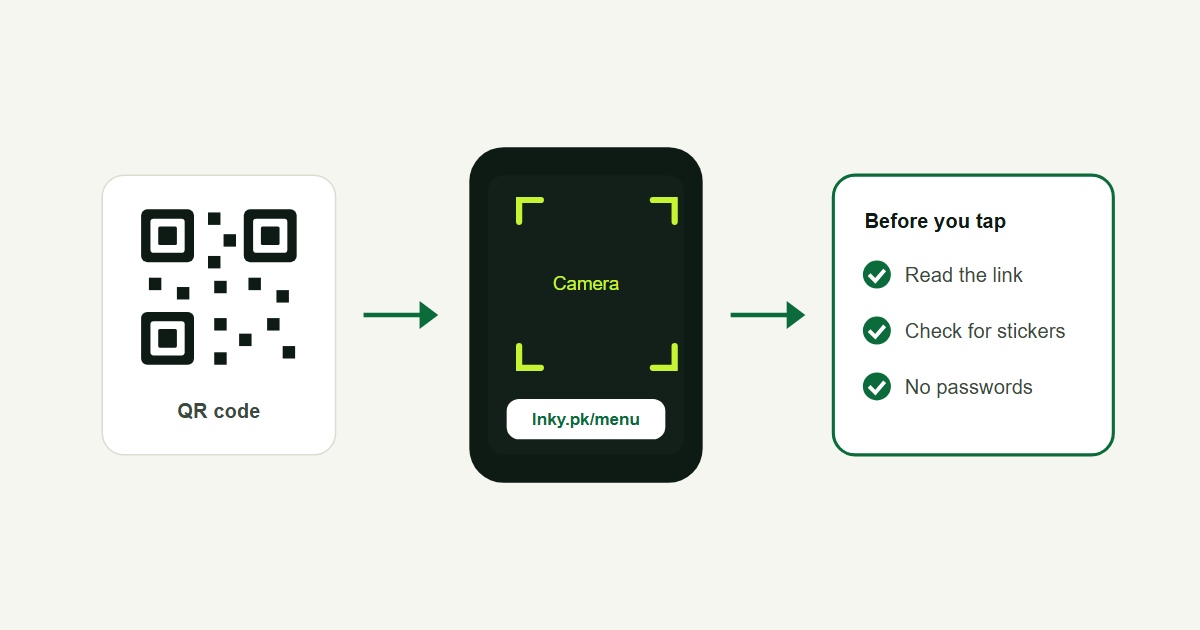
Fake QR stickers placed over real ones are a known scam, especially on payment counters. Check your codes regularly, use a short link people can read, and tell customers to look at the address before they pay. The US Federal Trade Commission has a short consumer guide on QR code scams worth sharing with staff.
Frequently asked questions
Is a QR code for business free?
Yes. Lnky's free plan lets you create up to 10 QR codes, including dynamic ones you can edit later.
Do QR codes expire?
Static codes never expire. Dynamic codes keep working as long as the short link behind them is active; Lnky doesn't delete them.
Can I change the link after printing the QR code?
Yes, if it's a dynamic code. Change where the short link points and the printed code opens the new page.
Which QR code is best for a visiting card?
A vCard QR code. It saves your contact details straight to the phone, so the customer doesn't have to type anything.
.png)