

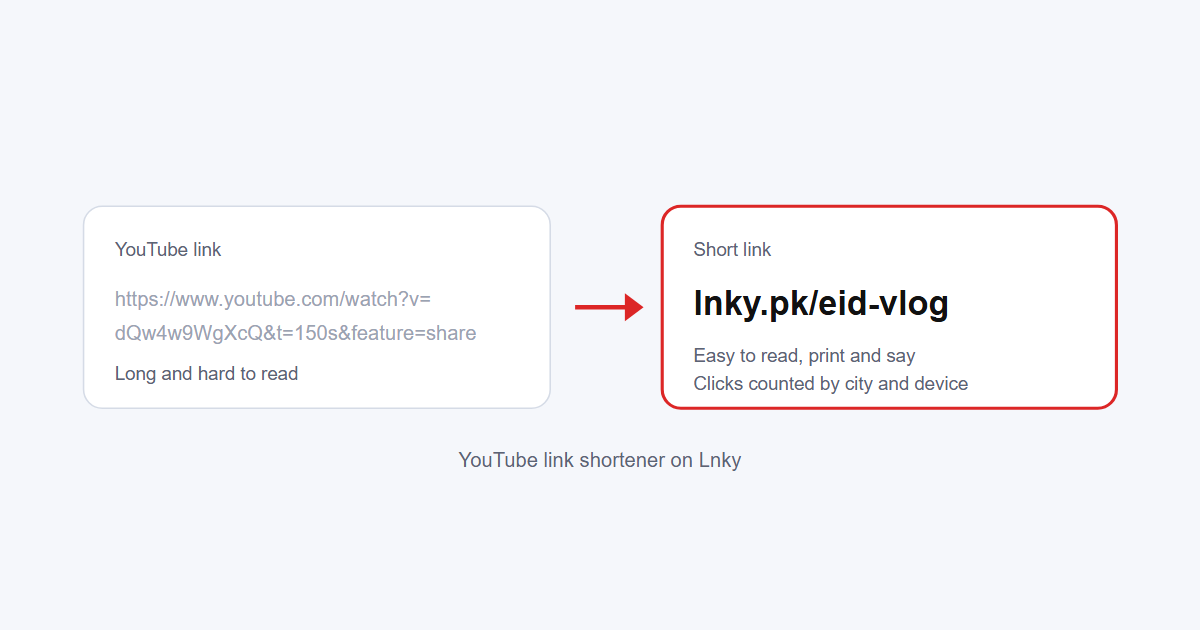
A YouTube link shortener turns a long video address into a short link you can read out, print or fit into a bio. You also get something YouTube's own share link doesn't give you: a count of how many people clicked, from where and on which device. This guide shows how to shorten a YouTube link for free, when it helps, and how to use the click stats to see which posts bring viewers.
YouTube's own short link vs a YouTube link shortener
YouTube already gives you a shorter address when you tap Share on a video: a youtu.be link. It's fine for a quick message, but it has limits:
- You can't choose the name. youtu.be/dQw4w9WgXcQ means nothing to someone reading it on a poster.
- You can't change where it points. If you re-upload the video, every old link still opens the old one.
- You don't see clicks per post. YouTube Studio shows external traffic in general, not which of your WhatsApp groups or Instagram stories sent it.
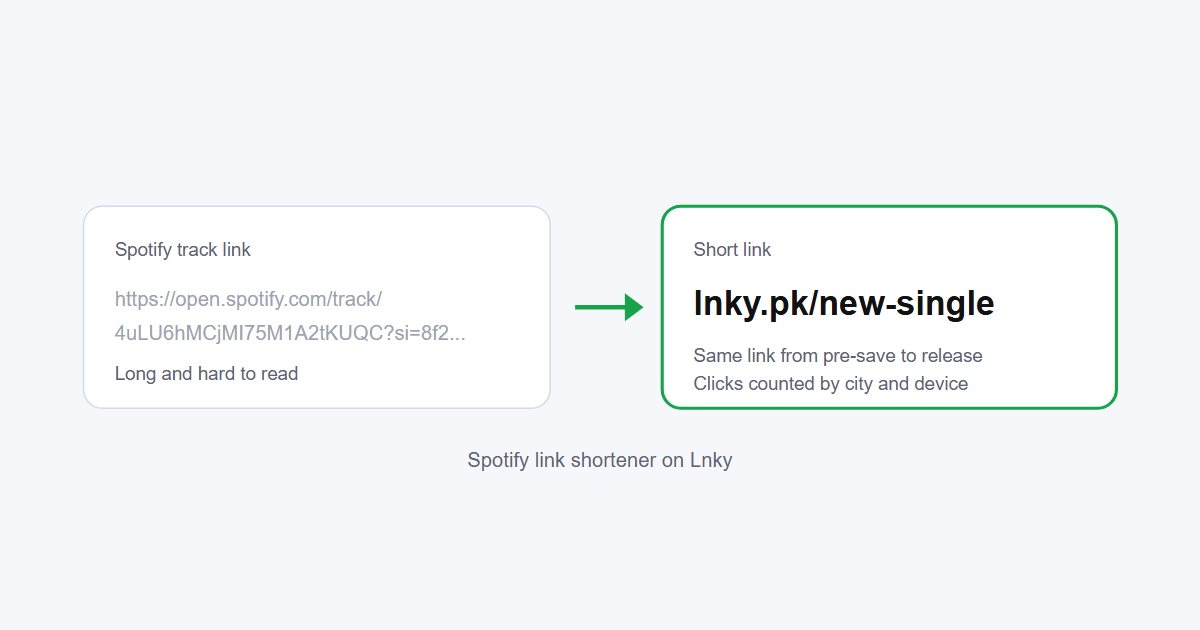
A short link from a custom URL shortener fixes all three: lnky.pk/biryani-recipe is easy to remember, you can edit the destination later, and each link counts its own clicks.
How to shorten a YouTube link for free
- Open the video on YouTube, tap Share and copy the link. On a computer you can tick "Start at" to send people to a moment in the video, as YouTube explains in Share videos and channels.
- Paste it into the box on the Lnky homepage and press Shorten.
- To pick your own name, such as lnky.pk/eid-vlog, and keep the click stats, create a free account first. The free plan includes custom names and 50 new links a month.
- Copy the short link, or download its QR code for a poster, product box or classroom slide.
Where a short YouTube link helps
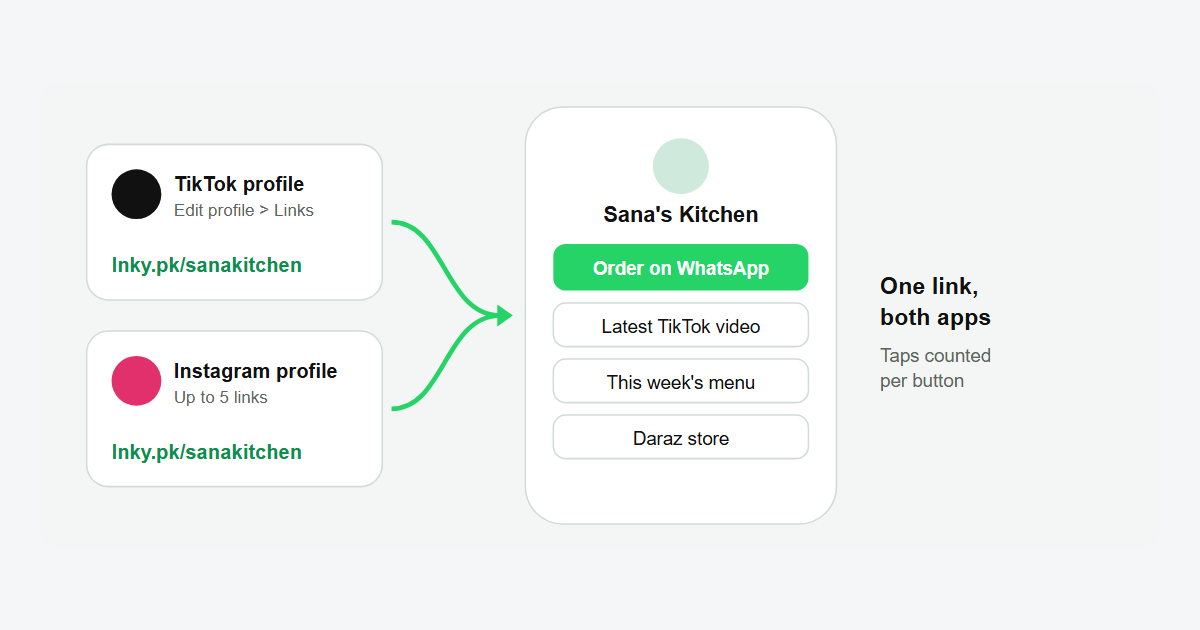
- Instagram and TikTok bios. One short, readable link to your latest video. If you have several, put them on a link in bio page instead.
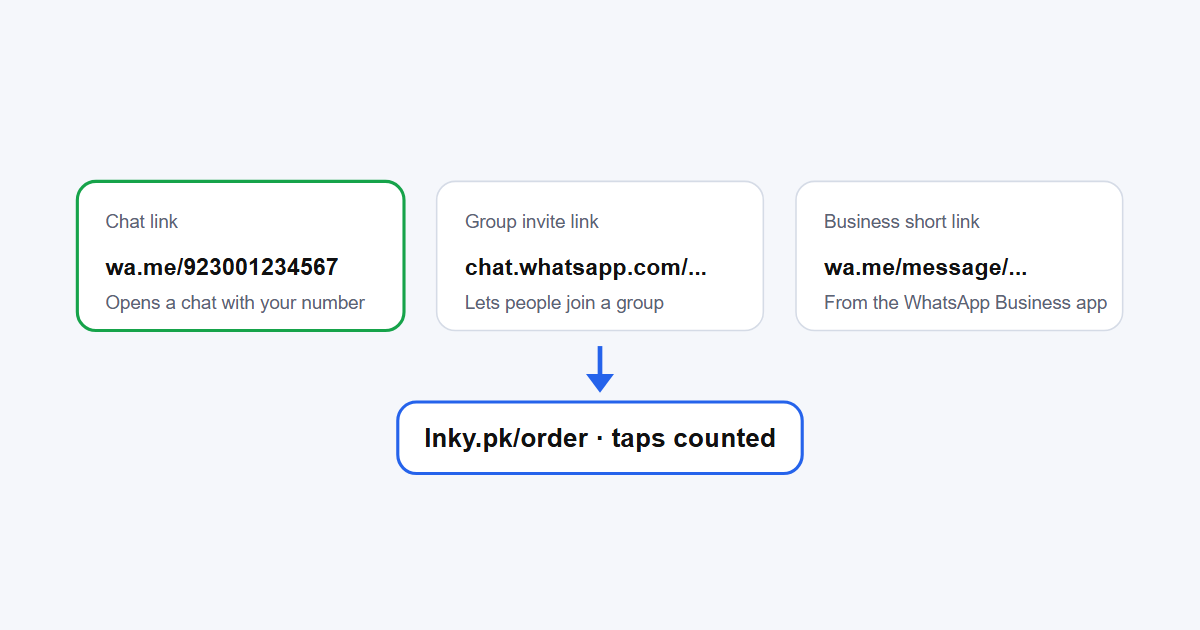
- WhatsApp groups and status. Make one link per group, for example lnky.pk/vlog-family and lnky.pk/vlog-office, and see which one gets watched.
- Printed material. Recipe cards, product boxes, school notices and shop posters. Print the QR code and the short link under it.
- Saying it out loud. In a podcast, live stream or radio spot, "lnky dot pk slash tutorial" is easy to remember. A video ID isn't.
- Channels and playlists. Shorten your channel or a playlist link, not just single videos.
See which posts bring viewers
Every Lnky short link has its own stats: clicks per day, countries and cities, devices and the site or app that sent the click. If you share the same video in three places, use three short links and compare. Messaging apps such as WhatsApp usually don't send a source, which is another reason to use one link per group. Our guide to link tracking explains what each number means.
Use it together with YouTube Studio: your short link counts the clicks, and YouTube shows how long people watched after they arrived.
Tips for YouTube short links
- Name links after the video, not the date. lnky.pk/karahi-recipe is easier to share than lnky.pk/video-12oct.
- Keep one "latest video" link. Put lnky.pk/yourname-latest in your bio and change where it points each time you upload. Your bio never needs editing.
- Don't shorten links you don't trust. Lnky checks links against a public list of known malware sites, and people are rightly careful with short links. Only share links to your own or well-known content.
Frequently asked questions
Is the YouTube link shortener free?
Yes. You can shorten a YouTube link on the homepage without an account. A free account adds custom names, editing and 30 days of click stats.
Will the short link open the YouTube app?
The short link sends people to the normal YouTube address. Whether it opens in the app or the browser depends on the phone and its settings, the same as any YouTube link.
Can I change the video after I've shared the link?
Yes, if you created the link from your account. Edit the destination in your dashboard and the same short link opens the new video.
Does shortening a YouTube link affect my views?
No. Viewers still watch on YouTube, so every view counts on your channel as usual.