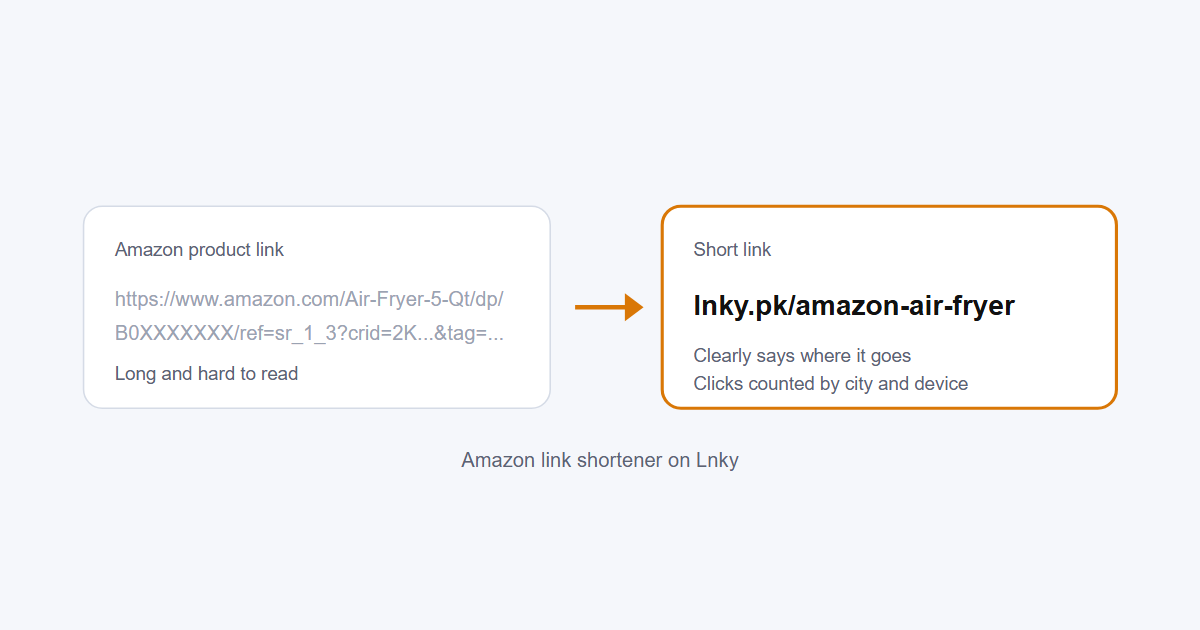

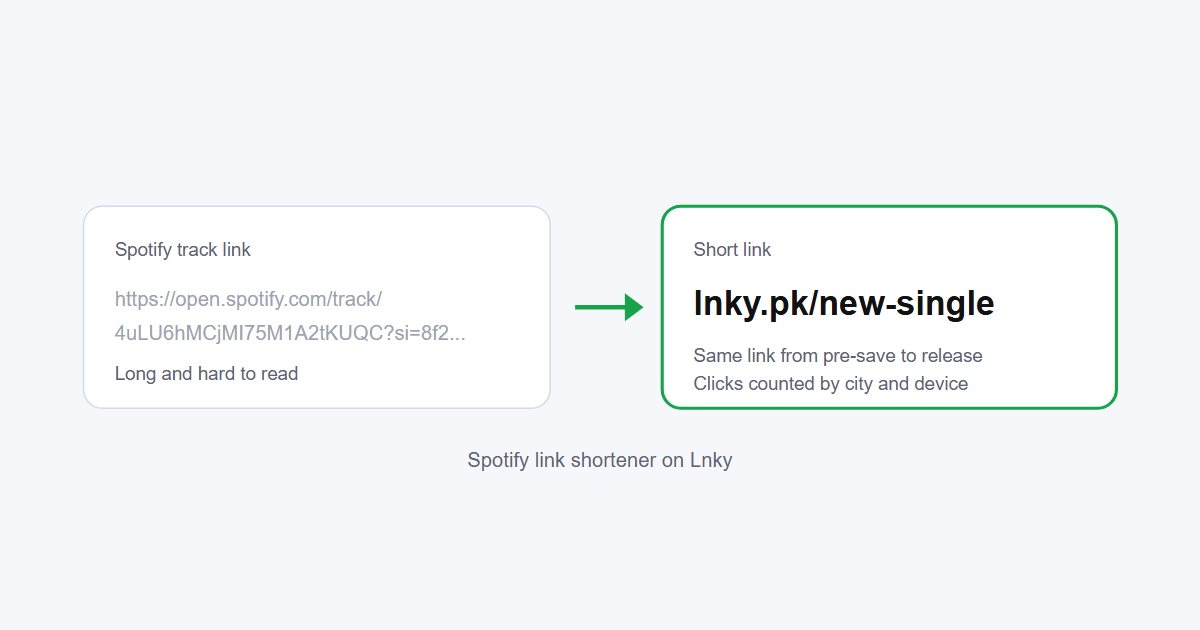
A Spotify link shortener turns a long song, album, playlist or podcast link into a short one with your own name in it, like lnky.pk/new-single. It's easier to share, it fits on a poster or a WhatsApp status, and you can see how many people clicked it. This guide shows how to shorten a Spotify link for free in under a minute, how to get a QR code for it, and how artists, podcasters and playlist curators can use one link for every release.
How to copy a Spotify link
First get the link from Spotify. Spotify explains the steps in Share from Spotify:
- Phone: open the song, album, artist, playlist or podcast, tap the three dots, tap Share, then Copy link.
- Computer: right-click it (or click the three dots), choose Share, then Copy link.
The link starts with open.spotify.com and ends with a long code, for example open.spotify.com/track/4uLU6hMCjMI75M1A2tKUQC. The phone app sometimes copies a shorter spotify.link address instead. Both work in a shortener.
How to shorten a Spotify link for free
- Copy the Spotify link as shown above.
- Paste it into the box on the Lnky homepage and tap Shorten. That gives you a short random link, no account needed.
- For a name you choose, create a free account, paste the link in your dashboard and type a custom name such as lnky.pk/ali-new-single or lnky.pk/friday-playlist.
- Copy the short link, or download its QR code.
- Share it where you promote the music, and check the click stats after a few days.
The free plan includes custom names, 50 new links a month, 10 QR codes and 30 days of click stats. You can change where a short link points at any time, so the link you already shared keeps working.
What is a Spotify short link good for?
- Release links. Before release day, point lnky.pk/new-single to your artist profile. On release day, change it to the track. The link in your posts stays the same.
- One "latest episode" link. Podcasters can keep lnky.pk/yourshow-latest in their bio and point it to the new episode each week.
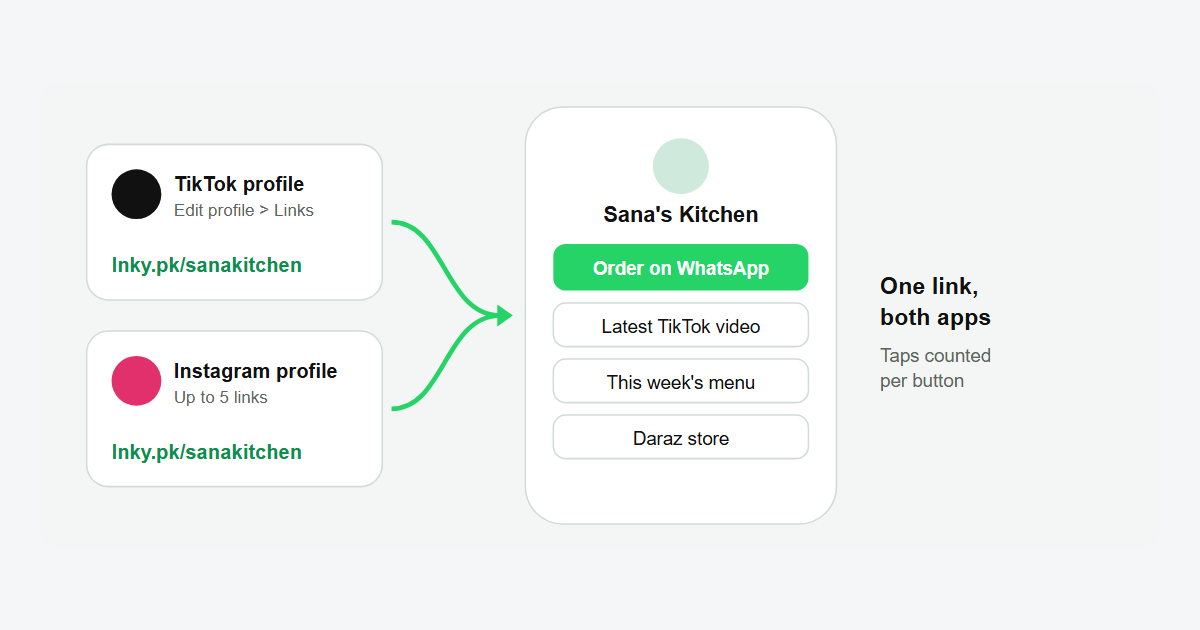
- Instagram and TikTok bios. A short, readable link looks better in a bio than an open.spotify.com code. See how to add a link in your TikTok and Instagram bio.
- QR codes at gigs and events. Put the QR code on the stage screen, posters and merch so people can follow you while you're still playing.
- Playlists for shops, cafes and gyms. A table card with a QR code to the playlist that's playing is a small, friendly touch.
- Said out loud. On radio, a live stream or a podcast, "lnky.pk slash ali-music" is easy to remember. A Spotify code is not.
One link for Spotify, Apple Music and YouTube
If your music is on more than one app, a single short link to Spotify leaves out your Apple Music and YouTube listeners. A link in bio page fixes that. Lnky bio pages have two blocks for musicians:
- Music/Booking Links: one block with a button for each service you add, including Spotify, Apple Music, YouTube Music, Amazon Music, SoundCloud, Deezer, Tidal and Bandcamp, plus ticket links.
- Spotify Embed: shows a Spotify player for a track or playlist right on your page.
The free plan includes one bio page, so you can share lnky.pk/yourname everywhere and let each fan pick their app.
Will the short link open the Spotify app?
A normal short link sends people to the Spotify web address. On most phones with Spotify installed, that opens the app; if it doesn't, the song opens in the browser. Inside Instagram or TikTok, links usually open in the in-app browser first.
Paid plans (Core and up) add app deep links. For Spotify track, album, artist, playlist, show and episode links, the short link then tries to open the Spotify app directly, and sends people without the app to the App Store or Google Play.
See where your listeners come from
Spotify for Artists tells you about streams. A short link tells you about the step before that: how many people clicked, from which country and city, on which device and from which app or site. Use a different short link for each place you promote, for example Instagram, a WhatsApp broadcast and a press release, and compare them. Our guide to link tracking explains what the numbers mean.
Is there a Google URL shortener for Spotify?
No. Google stopped making new goo.gl short links in 2019, and links it found inactive stopped working in August 2025 (Google Developers Blog). If you have old goo.gl links to your music, replace them with links you control. A Lnky link to Spotify works the same way, and you can change where it points later.
Tips for Spotify short links
- Use the artist or show name in the link so people know what they're about to open.
- Keep names short and easy to say. lnky.pk/ali-music beats anything with numbers.
- Link to the right thing. A track link for a single, a playlist link for a mood, an artist link if you want followers.
- Test it on a phone after you make it, from Instagram or WhatsApp, the way your fans will tap it.
Frequently asked questions
How do I shorten a Spotify link?
Copy the link in Spotify (Share, then Copy link), paste it into the Lnky homepage and tap Shorten. With a free account you can choose the name, like lnky.pk/your-song.
Is the Spotify link shortener free?
Yes. You can shorten a Spotify link without an account. A free account adds custom names, editing, QR codes and 30 days of click stats.
Can I shorten playlist and podcast links too?
Yes. Any Spotify link works: songs, albums, artists, playlists, podcasts and episodes.
Can I make a QR code for a Spotify link?
Yes. Every short link has a QR code you can download and print on posters, flyers, merch or table cards.
Will the short link open the Spotify app?
Usually, if the listener has Spotify installed; otherwise it opens in the browser. Paid plans add app deep links that try to open the Spotify app directly.
Do clicks on the short link count as Spotify streams?
No. The short link counts clicks. Spotify counts streams when someone actually plays the music.